Master data, bank, insurance
Personal data, emergency contact, languages, bank details and insurance data in one place – with a profile picture for quick identification.
Workforce & HR management
Racon360® is HR software for construction companies: personnel files, contracts, qualifications, safety briefings, crews (Kolonnen) and absences in one place – connected with time tracking, inventory and the construction site.

Contracts are written in Word, certificates sit in folders, and who holds which qualification or has borrowed which tool is known only to the HR office – if at all.
Every employee has a digital personnel file. Contracts are created from templates, certificates carry their expiry date, and the dashboard shows sick leave, vacation and turnover.
Everything about a person in one file: master data, position and team, contract, safety briefings, loaned items, certificates, absences and documents.
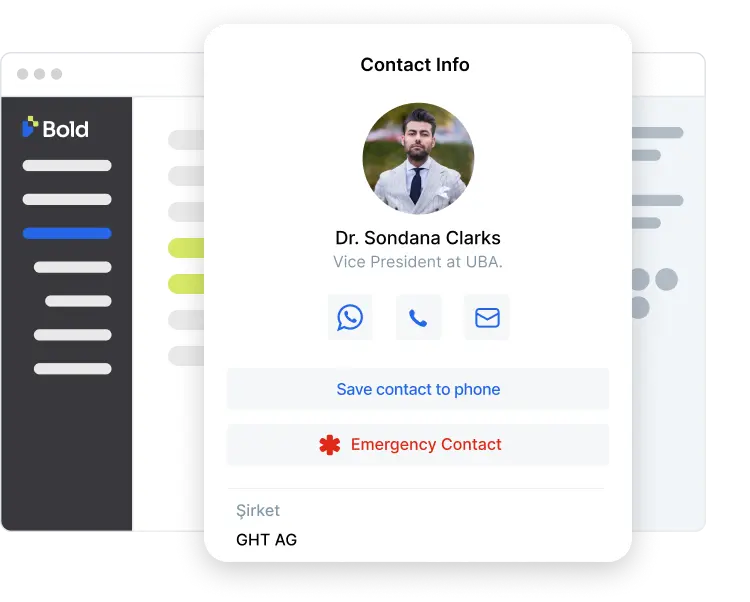
Personal data, emergency contact, languages, bank details and insurance data in one place – with a profile picture for quick identification.
Helmet, safety goggles, hand protection and sizes for jacket, rain jacket, trousers, vest and shoes are stored in the file – ordering workwear becomes routine.
Assign department and position – the basis for mandatory certificates.
Which tools and materials a person holds is recorded in the file – with a handover record.
All documents for the person in one file storage.
Paper goes from the scanner straight into the file, Racon360® reads ID documents itself – and you pair the time clock card at your desk.
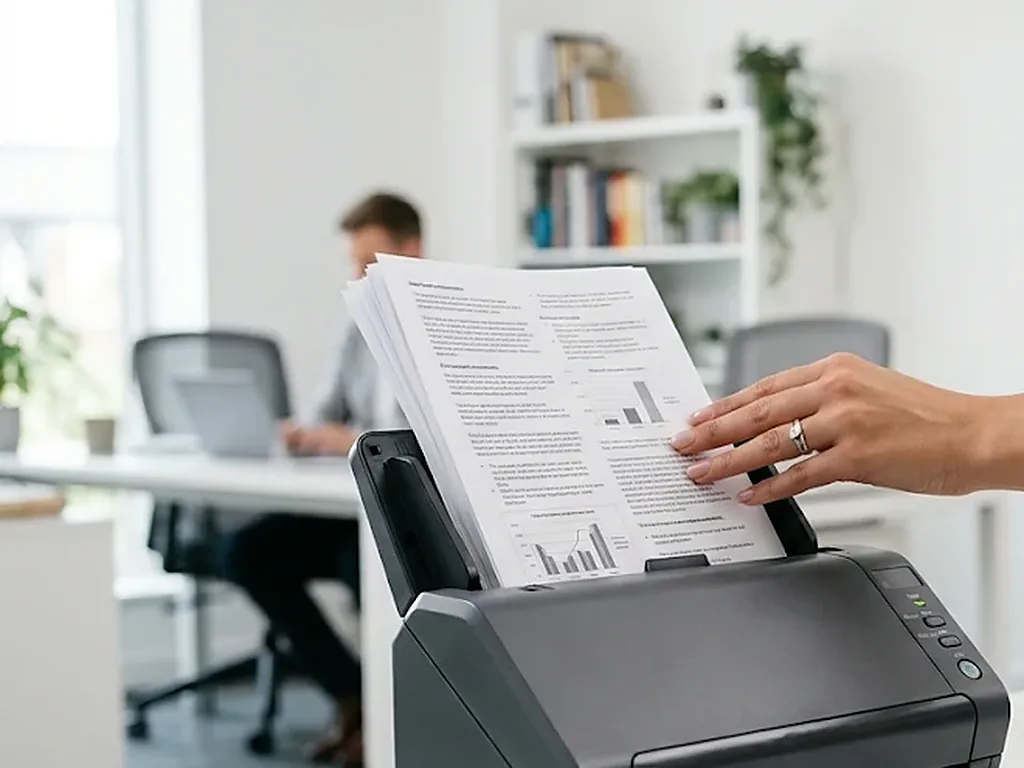
The small Windows connector links your office scanner to Racon360®. One click on “Scan” in the contract, the safety briefing or the certificate – multi-page documents land as a single file right at the record.

Place a passport, driver’s license, residence permit or work permit on the connected ID scanner: Racon360® reads names, numbers, classes and validity and, after your review, transfers them to the file.

Every driver’s license check is saved with its date. This lets you prove the regular vehicle keeper check for company vehicles at any time.

Place the card on the card reader – the card number is captured and assigned to the person. Racon360® immediately detects cards that were assigned twice.
Enter contract type, start date, probation period and gross salary – the document is generated from your template.
Blocks for job duties, home office arrangement and company car.
Amendment contracts, notice of termination, termination agreement and termination during probation – with date, reason and last working day.
The signed document is uploaded or scanned and filed with the contract.
Certificate types with validity period in months – every certificate carries its expiry date.
Define which certificates are mandatory for which position.
Record briefings with date and instructor, upload or scan the proof.
Form teams with a contact person, activate or pause them and assign them to projects.
Vacation, sick leave and overtime with approval path and substitute; open requests land in the inbox.
Sick leave, remaining vacation, length of service, turnover and utilization at a glance.
Record applications from portal, email, mail or referral and track them from interview to hiring.
Invite employees to the app by email and pair an NFC card for the time clock terminal.
The application is recorded and goes through interview and contract phase.
The employment contract is created from the template and filed once signed.
Invite to the app, pair the time clock card, issue tools with a handover record.
Briefings and mandatory certificates are documented in the file.
Racon360® is HR software for construction companies: personnel files, contracts, qualifications, safety briefings, crews (Kolonnen) and absences in one place – connected with time tracking, inventory and the construction site.
Master data, bank, insurance, PPE and clothing sizes, Position and team, Loaned items with handover record, Documents, Direct scan via TWAIN Connect, ID documents via text recognition, Driver’s license check with history, Pair the NFC card at your desk, Create an employment contract, Text blocks, Amendment and termination, Signed version, Certificates with validity, Mandatory per position, Briefings documented, Crews, Absences with approval, HR dashboard, Applications, App access and time clock card.
For HR department, Management, Supervisors, Site management, Employees.
Absences and overtime run through the workflows, working hours through time tracking, and loaned items come directly from inventory & warehouse.
Everything about a person: master data, position and team, contract, safety briefings, loaned items, certificates, absences and documents. It also holds the emergency contact, languages, bank details and insurance data as well as PPE and clothing sizes.
With your office scanner: the Windows connector TWAIN Connect links it to Racon360®, and multi-page documents land as a single file right at the record. Racon360® reads ID documents, driver’s licenses, residence permits and work permits via text recognition and transfers the data to the file after your review.
Every certificate type has a validity period in months, and every certificate carries its expiry date. You define which certificates are mandatory for which position; the dashboard shows expiring certificates.
Yes. Briefings are recorded with date and instructor, the proof is uploaded or scanned and is kept in the personnel file.
Yes. Every driver’s license check is saved with its date. This lets you prove the regular vehicle keeper check for company vehicles at any time.
Absences and overtime run through the workflows, working hours through time tracking, and loaned items come directly from inventory & warehouse.
We show you the module in a short demo – with your processes instead of slides.
Whether you want to learn more about features, request a custom demo, or just say hello - we're here for you.
Get in touch and take your construction processes to the next level.

Managing Director, IT Architect
Building Infrastructure Construction Technologies GmbH (Bicon Tech)